
What is a Kubernetes Pod? Explained Simply
If you are learning Kubernetes, the word Pod is probably one of the first terms you hear. It is also one of the most confusing for beginners.
Many people ask:
- Is a Pod the same as a container?
- Why not run containers directly?
- Why does Kubernetes use Pods?
In this guide, we will explain Kubernetes Pods in the simplest possible way so even complete beginners can understand.
What Is a Kubernetes Pod?
A Pod is the smallest deployable unit in Kubernetes.
In simple words:
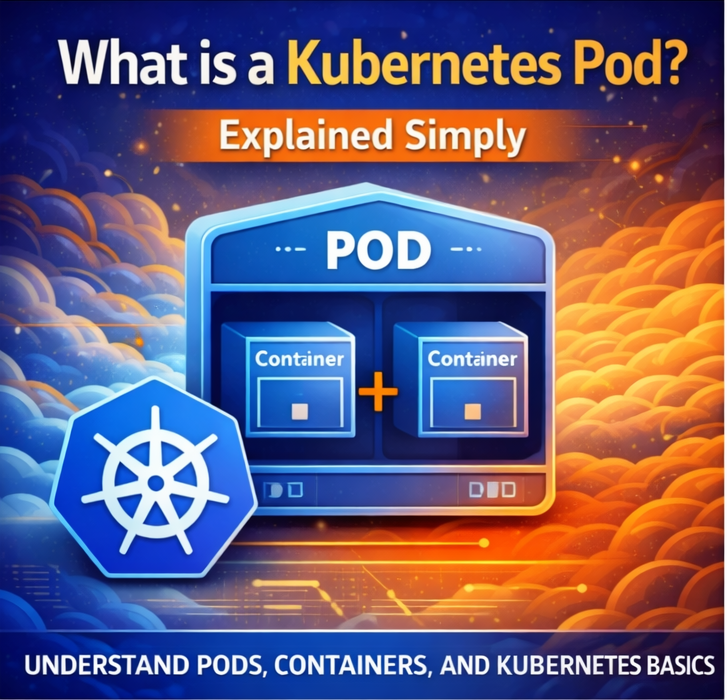
A Pod is a wrapper that contains one or more containers.
Kubernetes does not run containers directly. It runs them inside Pods.
Think of a Pod Like a House
Imagine:
- Container = Person
- Pod = House
The house contains one or more people living together.
Similarly:
A Pod contains one or more containers running together.
Why Kubernetes Uses Pods
Kubernetes uses Pods because containers often need shared resources like:
- Networking
- Storage
- Configuration
Pods make sharing these resources easier.
Pod Characteristics
Every Pod has:
Unique IP Address
Each pod gets its own network IP.
Shared Storage
Containers in same pod share storage.
Shared Networking
Containers communicate via localhost.
Single Container Pod
Most pods contain:
- One application container
Example:
- NGINX web server pod
Multi-Container Pod
Some pods contain multiple containers.
Example:
- App container
- Logging container
Basic Pod YAML Example
apiVersion: v1
kind: Pod
metadata:
  name: nginx-pod
spec:
  containers:
  - name: nginx
    image: nginx
Apply:
kubectl apply -f pod.yaml
Viewing Pods
Run:
kubectl get pods
Pod Lifecycle
Pods go through stages:
- Pending
- Running
- Succeeded
- Failed
Why Pods Are Temporary
Pods are designed to be disposable.
If a pod dies:
- Kubernetes creates a new one
Pod vs Container
| Feature | Pod | Container |
|---|---|---|
| Kubernetes Object | Yes | No |
| Can Hold Multiple | Yes | No |
| Has IP | Yes | No |
Pod vs Deployment
Pods are not usually created manually in production.
Instead:
Deployments manage pods automatically.
Real-World Example
Imagine eCommerce app:
Each microservice may run in separate pod:
- Frontend pod
- Backend pod
- Database pod
Why Pods Restart
Pods restart when:
- App crashes
- Node fails
- Deployment updates
Common Pod Commands
Describe pod:
kubectl describe pod nginx-pod
View logs:
kubectl logs nginx-pod
Delete pod:
kubectl delete pod nginx-pod
Pod Best Practices
Use Deployments
Avoid standalone pods.
Set Resource Limits
Prevent overload.
Monitor Health
Use probes.
Common Beginner Mistakes
Thinking Pods Are Permanent
They are temporary.
Using One Giant Pod
Keep pods focused.
Ignoring Logs
Logs help troubleshoot.
FAQs
Can a pod contain multiple containers?
Yes.
Does each pod get IP?
Yes.
Are pods permanent?
No.
Final Thoughts
Pods are the foundation of Kubernetes. Understanding them is critical before learning Deployments, Services, Ingress, or Scaling. Once you understand Pods, Kubernetes becomes much easier to learn.