
How to Use Ansible to Automate WordPress Server Setup on Ubuntu
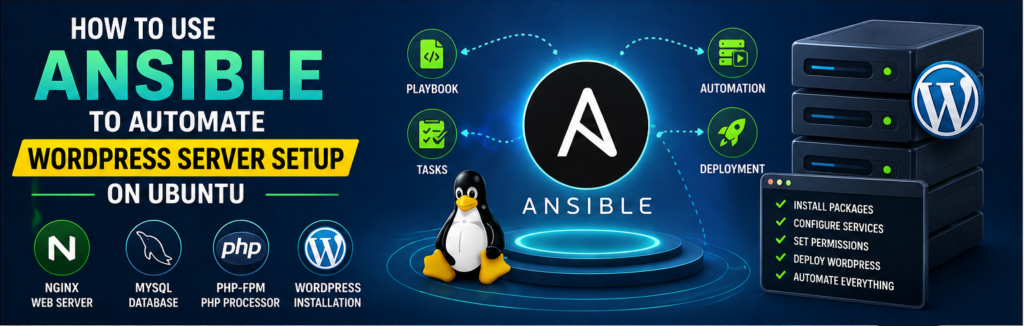
Setting up a WordPress server manually takes time:
- Install Nginx
- Install MySQL
- Install PHP
- Configure everything
Now imagine doing this repeatedly.
This is where Ansible shines.
Using Ansible, you can automate the entire WordPress setup in minutes.
What You’ll Automate
- Nginx installation
- MySQL setup
- PHP configuration
- WordPress deployment
Prerequisites
- Ubuntu server
- SSH access
- Ansible installed
Step 1: Create Inventory
[wordpress]
192.168.1.50
Step 2: Create Playbook
- hosts: wordpress
  become: yes

  tasks:
    - name: Install packages
      apt:
        name:
          - nginx
          - mysql-server
          - php-fpm
        state: present
Step 3: Configure MySQL
- name: Create database
  mysql_db:
    name: wordpress
    state: present
Step 4: Download WordPress
- name: Download WordPress
  get_url:
    url: https://wordpress.org/latest.tar.gz
    dest: /tmp/wordpress.tar.gz
Step 5: Extract Files
- name: Extract WordPress
  unarchive:
    src: /tmp/wordpress.tar.gz
    dest: /var/www/html
Step 6: Set Permissions
- name: Set permissions
  file:
    path: /var/www/html
    owner: www-data
    group: www-data
    recurse: yes
Step 7: Configure Nginx
Create server block automatically.
Step 8: Restart Services
- name: Restart Nginx
  service:
    name: nginx
    state: restarted
Step 9: Run Playbook
ansible-playbook -i hosts wordpress.yml
Benefits
- Fully automated setup
- Repeatable deployments
- Saves time
Best Practices
- Use variables for DB credentials
- Secure MySQL
- Use HTTPS
Common Mistakes
- Hardcoding passwords
- Wrong permissions
- Skipping security
Real-World Insight
Automation reduces setup time from hours to minutes.
FAQs
Can I reuse playbook?
Yes.
Is this production-ready?
Yes, with improvements.
Final Thoughts
Automating WordPress setup using Ansible is one of the smartest moves for anyone managing multiple sites or servers.