
How to Scan Docker Images for Vulnerabilities with Trivy (Free Tool)
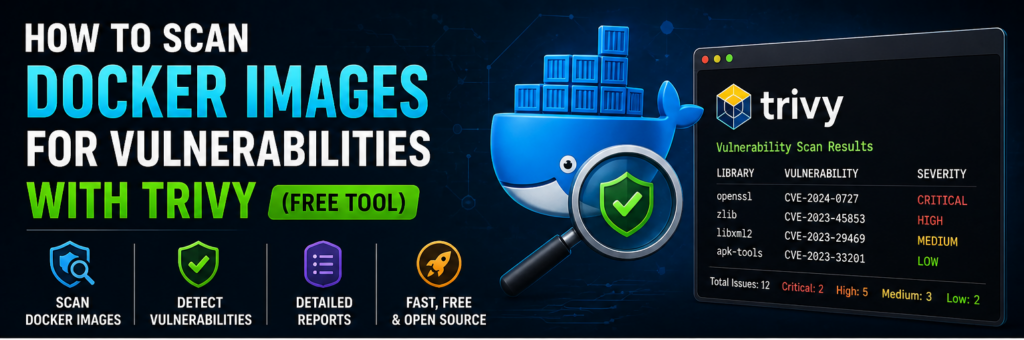
Docker makes deploying applications fast and easy. But there’s a hidden risk most people ignore:
👉 Vulnerable container images
Many Docker images contain:
- Outdated packages
- Known CVEs
- Misconfigurations
If you deploy them without checking, you’re exposing your server to attacks.
This is where vulnerability scanning tools come in.
👉 Trivy is one of the best free tools to scan Docker images for security issues.
In this guide, you’ll learn how to use Trivy to scan, understand, and fix vulnerabilities step by step.
What is Trivy?
Trivy is an open-source vulnerability scanner developed by Aqua Security.
It scans:
- Docker images
- Filesystems
- Git repositories
- Kubernetes
Why Use Trivy?
1. Fast & Lightweight
Runs quickly with minimal setup.
2. Free & Open Source
No licensing cost.
3. Accurate Results
Uses updated vulnerability databases.
What Trivy Detects
- OS vulnerabilities
- Application dependencies
- Misconfigurations
- Secrets
Prerequisites
- Linux VPS
- Docker installed
- Basic command-line knowledge
Step 1: Install Trivy
On Ubuntu:
sudo apt update
sudo apt install wget -y
wget https://github.com/aquasecurity/trivy/releases/latest/download/trivy_0.50.0_Linux-64bit.deb
sudo dpkg -i trivy_0.50.0_Linux-64bit.deb
Verify:
trivy --version
Step 2: Scan a Docker Image
Example:
trivy image nginx:latest
Step 3: Understand Output
You’ll see:
- Vulnerability ID
- Severity (LOW, MEDIUM, HIGH, CRITICAL)
- Affected package
Step 4: Focus on Critical Issues
Fix:
- CRITICAL
- HIGH
Ignore minor ones initially.
Step 5: Scan Local Images
docker images
trivy image your-image-name
Step 6: Scan Dockerfile
trivy config .
Step 7: Generate Reports
trivy image -f table nginx
Step 8: Fix Vulnerabilities
1. Use Updated Base Images
FROM nginx:latest
2. Remove Unnecessary Packages
3. Update Dependencies
Step 9: Automate Scanning in CI/CD
Use in GitHub Actions:
- name: Scan Image
  run: trivy image myapp:latest
Step 10: Fail Build on Critical Issues
trivy image --exit-code 1 --severity CRITICAL myapp
Best Practices
- Scan images before deployment
- Use minimal base images
- Automate scanning
Common Mistakes
- Ignoring scan results
- Using outdated images
- Not automating scans
Real-World Insight
Most container attacks happen because:
👉 vulnerabilities were never scanned
FAQs
Is Trivy free?
Yes.
Does it slow builds?
Minimal impact.
Final Thoughts
Scanning Docker images with Trivy is one of the easiest ways to secure your applications. It takes minutes but can prevent serious security issues.