
How to Set Up Uptime Kuma on a VPS and Monitor All Your Websites
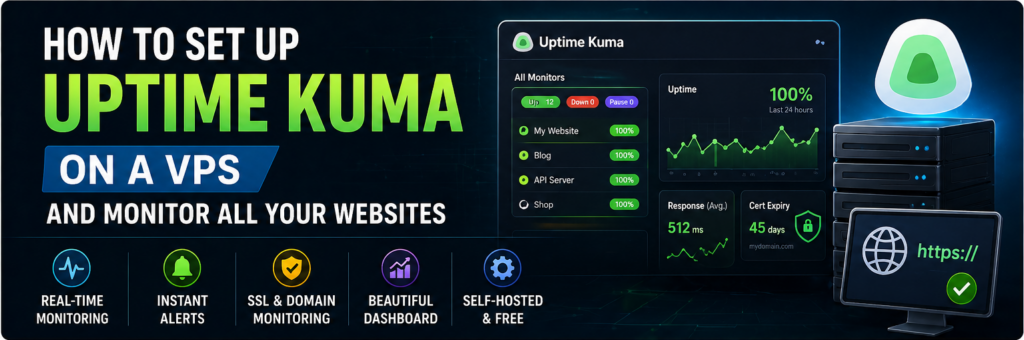
If you run websites, downtime is your biggest enemy.
Even a few minutes of downtime can mean:
- Lost revenue
- Poor user experience
- SEO ranking drops
Most people rely on paid monitoring tools, but there’s a powerful open-source alternative:
👉 Uptime Kuma
With Uptime Kuma, you can monitor all your websites from your own VPS — for free, with full control.
In this guide, you’ll learn how to install, configure, and use Uptime Kuma step by step.
What is Uptime Kuma?
Uptime Kuma is a self-hosted monitoring tool that lets you:
- Monitor website uptime
- Check SSL certificate expiry
- Track response time
- Receive alerts
Why Use Uptime Kuma?
1. Free & Open Source
No monthly subscription.
2. Self-Hosted
Full control over your data.
3. Easy Dashboard
Simple UI with real-time stats.
4. Multiple Alert Options
Email, Telegram, Slack, etc.
What You’ll Need
- VPS (Ubuntu 22.04 recommended)
- SSH access
- Basic Linux knowledge
Step 1: Connect to Your VPS
ssh user@your-server-ip
Step 2: Install Docker
Uptime Kuma runs best with Docker
sudo apt update
sudo apt install docker.io -y
sudo systemctl enable docker
Step 3: Run Uptime Kuma Container
docker run -d \
  --restart=always \
  -p 3001:3001 \
  -v uptime-kuma:/app/data \
  louislam/uptime-kuma
Step 4: Access Dashboard
Open:
http://your-server-ip:3001
Create admin account.
Step 5: Add Website Monitoring
Click Add New Monitor:
- HTTP(s)
- Ping
- Port
Enter your website URL.
Step 6: Set Monitoring Interval
Recommended:
- Every 60 seconds
Step 7: Configure Alerts
Set up notifications:
- Telegram
- Slack
Step 8: Monitor SSL Certificates
Enable SSL monitoring:
- Get alerts before expiry
Step 9: Enable Reverse Proxy (Recommended)
Use Nginx:
sudo apt install nginx
Step 10: Add Domain & HTTPS
Use Let’s Encrypt for SSL.
Advanced Features
Status Pages
Share public uptime dashboard.
API Monitoring
Track APIs and endpoints.
Multi-Server Monitoring
Monitor all VPS from one place.
Best Practices
- Use a subdomain (monitor.yoursite.com)
- Enable HTTPS
- Backup data regularly
Common Mistakes
- Not enabling alerts
- Using default port publicly
- No backups
Real-World Insight
Many site owners discover downtime hours later.
👉 With Uptime Kuma, you know instantly.
FAQs
Is Uptime Kuma reliable?
Yes, widely used.
Can I monitor multiple sites?
Yes, unlimited.
Final Thoughts
Uptime Kuma is one of the best tools you can deploy on your VPS. It gives you full control, real-time monitoring, and peace of mind — all for free.