
Ingress NGINX Migration: How to Move to Kubernetes Gateway API (2026 Guide)
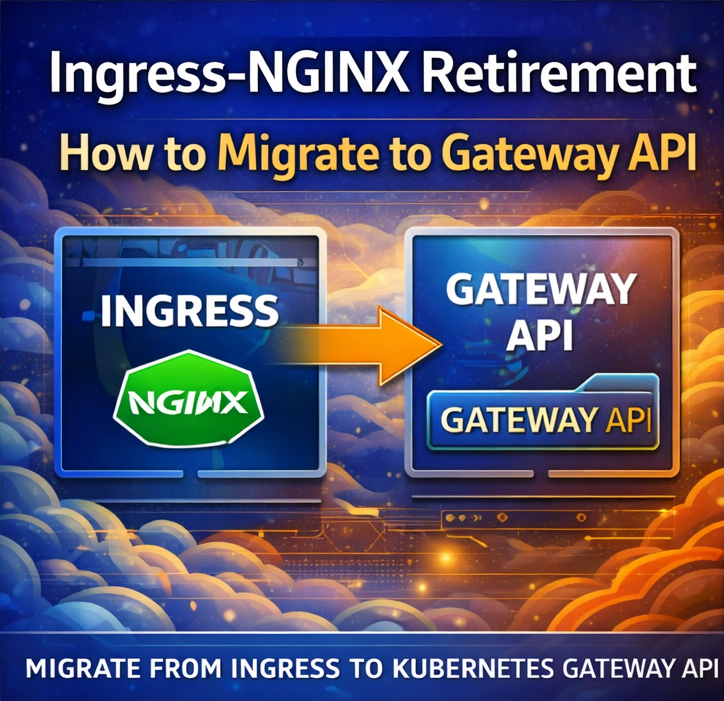
For years, the NGINX Ingress Controller has been the default way to expose applications in Kubernetes. It has been widely used for routing traffic, managing SSL, and handling external access.
However, Kubernetes networking is evolving, and the Gateway API is emerging as the next-generation solution.
While Ingress is not immediately disappearing, it is gradually being replaced by a more powerful and flexible system.
In this guide, we explain why Ingress-NGINX is being phased out and how to migrate to the Gateway API step by step.
What Is Ingress-NGINX?
Ingress-NGINX is a Kubernetes Ingress Controller based on NGINX.
It allows you to:
- Route HTTP/HTTPS traffic
- Manage SSL certificates
- Expose services externally
Why Ingress Is Being Replaced
Ingress has limitations:
- Limited routing flexibility
- Hard to extend
- Not ideal for complex setups
What Is Gateway API?
Gateway API is a modern Kubernetes networking model designed to replace Ingress.
It provides:
- More flexible routing
- Better role separation
- Advanced traffic control
Key Differences: Ingress vs Gateway API
| Feature | Ingress | Gateway API |
|---|---|---|
| Flexibility | Limited | High |
| Extensibility | Low | High |
| Role Separation | No | Yes |
| Future Support | Declining | Growing |
Gateway API Core Concepts
Gateway
Defines how traffic enters cluster.
HTTPRoute
Defines routing rules.
GatewayClass
Defines implementation.
Why You Should Migrate
- Future-proof architecture
- Better scalability
- More control over traffic
- Improved security
Migration Strategy Overview
Migration involves:
- Install Gateway API
- Deploy Gateway Controller
- Convert Ingress to HTTPRoute
- Test traffic routing
Step 1: Install Gateway API CRDs
kubectl apply -f https://github.com/kubernetes-sigs/gateway-api/releases/latest/download/standard-install.yaml
Step 2: Install Gateway Controller
Depends on platform:
- AWS → AWS Gateway Controller
- GCP → GKE Gateway
- NGINX → Gateway-supported controller
Step 3: Create Gateway Resource
apiVersion: gateway.networking.k8s.io/v1
kind: Gateway
metadata:
  name: example-gateway
Step 4: Convert Ingress to HTTPRoute
Old Ingress:
kind: Ingress
New:
kind: HTTPRoute
Step 5: Apply Configuration
kubectl apply -f gateway.yaml
Step 6: Test Routing
Check:
kubectl get gateway
Common Migration Challenges
Controller Compatibility
Ensure controller supports Gateway API.
DNS Issues
Update domain records.
SSL Configuration
Reconfigure TLS.
Best Practices
- Run Ingress and Gateway side by side
- Test before switching
- Monitor logs
Real-World Insight
Most teams:
- Start with Ingress
- Gradually move to Gateway API
FAQs
Is Ingress deprecated?
Not fully, but declining.
Is Gateway API stable?
Yes, increasingly adopted.
Final Thoughts
The move from Ingress to Gateway API is one of the biggest changes in Kubernetes networking. While it may take time, migrating early will give you a long-term advantage and a more flexible infrastructure.